Upload the PDF once
Every PDF page becomes a separate static image in the same order, entirely inside your browser.
CANVA PDF TO INSTAGRAM CAROUSEL
Skip downloading and extracting a ZIP of separate Canva images. Upload one finished multi-page PDF, preserve the page order, and download matching Instagram-ready PNG images.
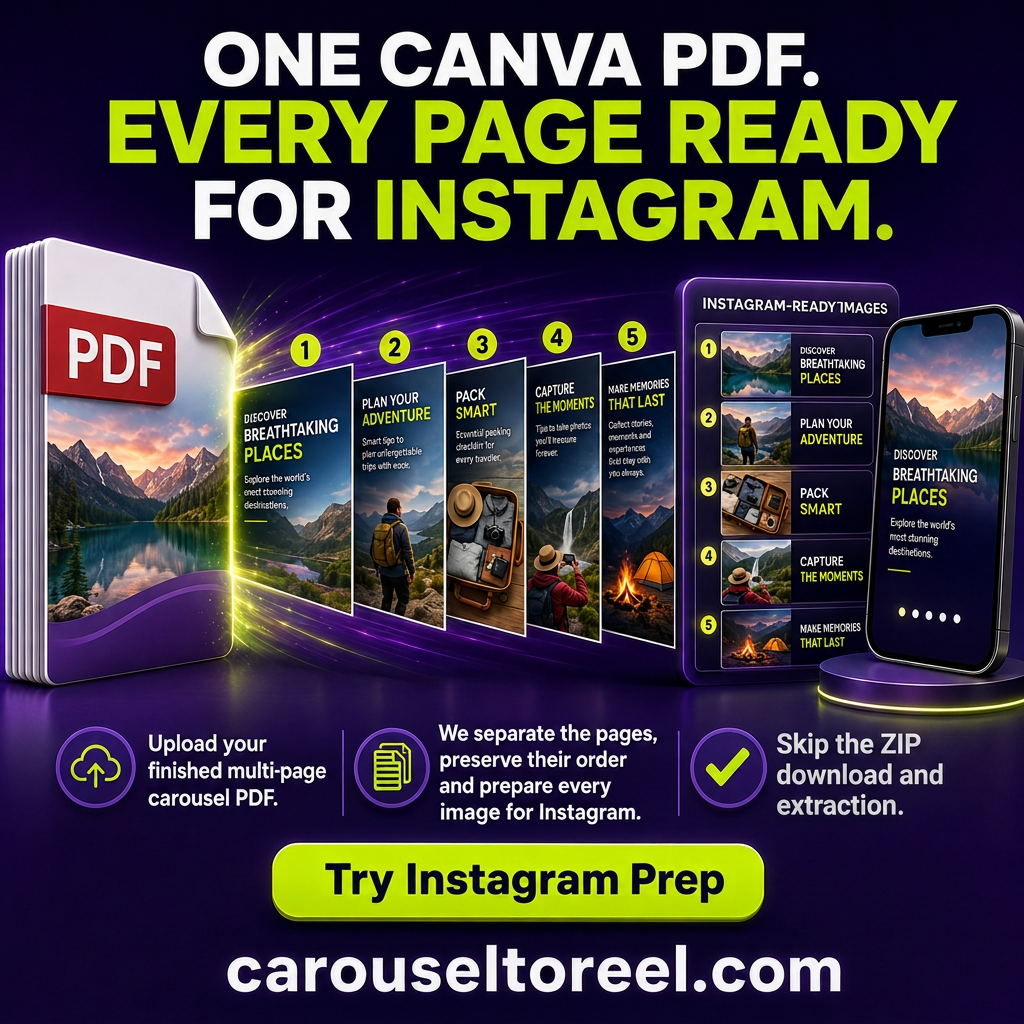
Every PDF page becomes a separate static image in the same order, entirely inside your browser.
Fit the complete design to portrait, square, or landscape Instagram dimensions without cropping or stretching.
Save individual PNG files or one ZIP containing every ordered Instagram carousel page.
Keep the finished carousel pages in the exact order you want people to swipe through them.
Every page becomes a separate static image in the same order, entirely inside your browser.
Fit every complete page to portrait 4:5, portrait 3:4, square 1:1, or landscape 1.91:1 without cropping or stretching.
Download individual PNG files or one ZIP containing the complete, ordered Instagram carousel.